
Follow every crop
Each batch has an area, crop, variety, stages and people in charge. The Today screen shows overdue tasks, harvests in the coming days and what needs attention.
Vegetable production management
AgroDoki brings tasks, batches, inventory, purchasing, scouting and costs into one place. You open the system and see what needs attention in the greenhouse, the hydroponic bays or the field.
For growers who run production: greenhouse, hydroponics and open field.
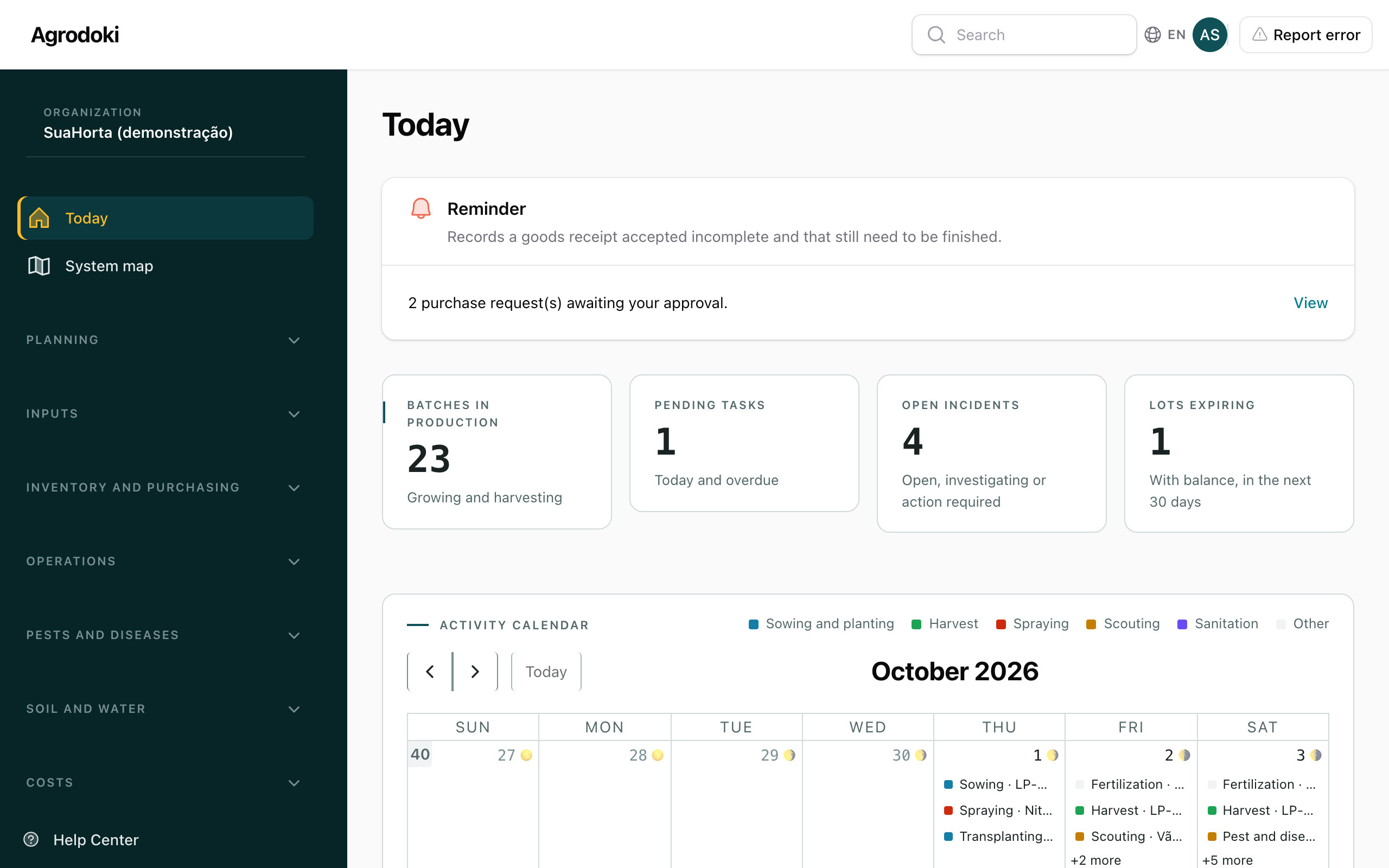
Each batch has an area, crop, variety, stages and people in charge. The Today screen shows overdue tasks, harvests in the coming days and what needs attention.
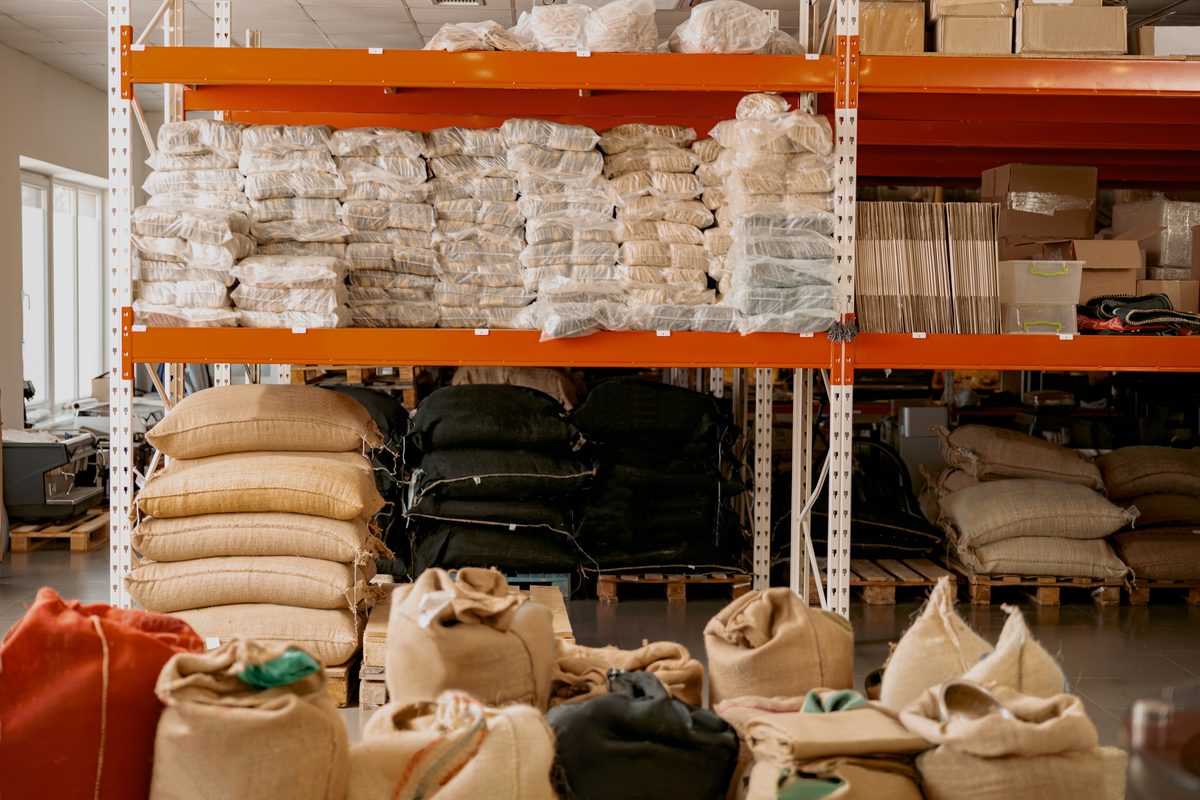
From purchase request to receipt, inventory updates itself. You withdraw material once and the system deducts each application, with alerts for expiry dates and low stock.
The cost of each batch adds up what left inventory and what you entered by hand. With revenue by crop, you see the margin and return of each planting.
From seed to analysis
Each stage feeds the next. You record something once and the information moves forward.
Set up areas, crops and cycles. Sowing calculates the total number of seedlings and the expected transplanting date.
Team activities start as planned and are completed in the field. Inputs leave inventory as they are used.
Scout for pests and diseases, record incidents and check the weather on the day of each visit.
Plan the harvest, record the quantity and grade it by quality, with customer and packaging.
See the batch cost, revenue by crop and the indicators for the period to decide the next planting.
Inside the system
Five everyday screens, with demo data.
Each screen below shows one area of the system.
Priorities, overdue tasks, batches in production and upcoming harvests on the same screen. Each person sees what their role allows.
From sowing to harvest, the batch gathers activities, inputs used, harvests and calculated cost.
The balance adds up every input lot in every location. Purchasing moves from request to quote to receipt.
The system draws the benches, you record what you saw and it classifies the risk. High risk opens an incident.
Choose the crop and the period and see operating cost, depreciation, interest on capital, margin and return.
Demo data, unrelated to real customers.
Features
Open the group you care about. Every item exists in AgroDoki today.
How it works
Three steps, nothing to install.
Add the property, areas, crops and team. The First steps list shows what is missing and checks off each stage on its own.
Choose the crop, variety and location in Sowing. The system calculates the seedlings and creates the activities.
Open the Today screen, complete tasks, record harvests and follow inventory and cost. Each record feeds the others.
Plans
Prices in Brazilian reais, per organization.
Provisional prices, subject to confirmation in the proposal.
To organize the production of one property.
R$ 189 per month
12 months for the price of 10: R$ 1,890 per year.
For those who want indicators, purchasing and plant health.
R$ 389 per month
12 months for the price of 10: R$ 3,890 per year.
Everything in Essential, plus:
For operations with more properties and more people.
On request
Everything in Production, with agreed limits.
Property and user limits are part of the commercial proposal.
FAQ
Did not find your question? Request a demo and we will talk.
It is software to manage vegetable production, from planning to the cost of each batch. It brings together areas, crops, activities, inventory, purchasing, scouting, soil and water, harvest and costs.
Yes. Areas can be greenhouses, benches, beds or open field, and sowing supports trays, pots and direct sowing in the bed. Hydroponics has its own nutrient solution and water analysis.
No. AgroDoki runs in the browser. You sign in with your email and password.
You request a demo, see the system with sample data and agree on a proposal. After you get access, the First steps list guides you through adding the property, areas, crops, products, suppliers and team.
Yes. There are seven roles: Admin, Manager, Agronomist, Inventory, Operator, Maintenance and Consultant. Each screen and action only appears for people with the permission, and the history records who changed what.
Yes. Each organization sees only its own data, and attachments are never public.
No. The AI assistant is optional and only works if your organization sets up a key. Without it, the rest of the system works normally.
There are three plans: Essential, Production and Group. The prices on this page are provisional. Request a demo and receive a proposal for the size of your production.
Yes. The interface is available in Brazilian Portuguese, English and Spanish.
Request a demo. We show you the system, answer your questions and put together the proposal.
Fill in the details below. We reply to the email you give us.